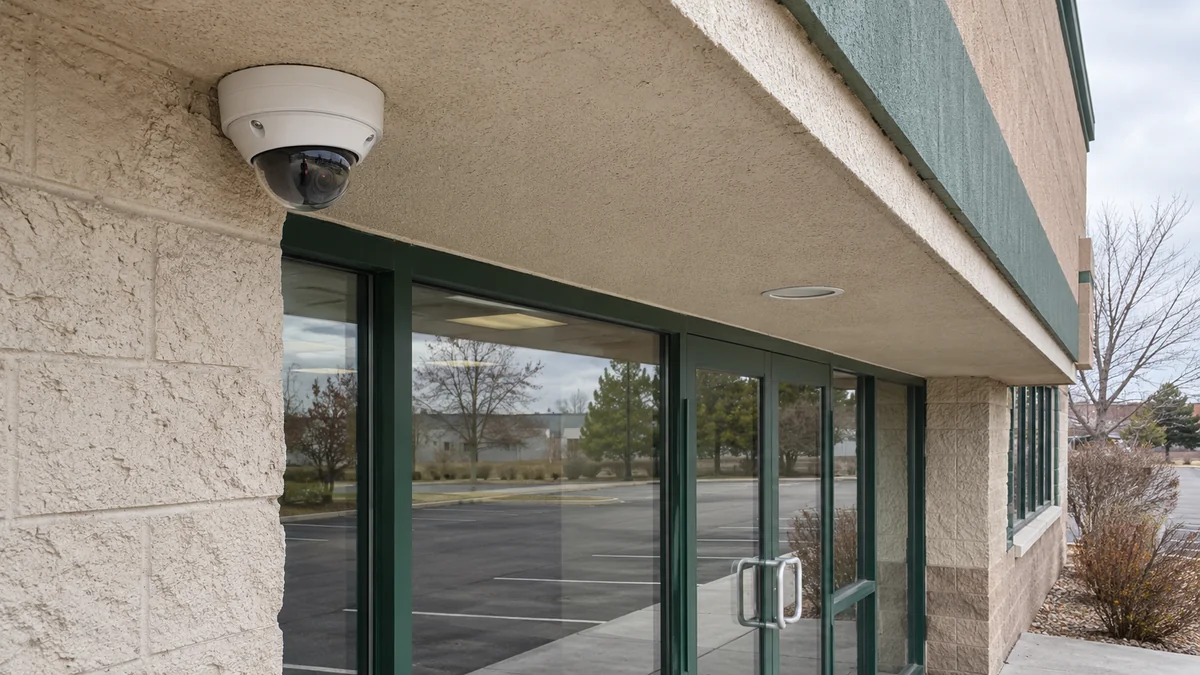

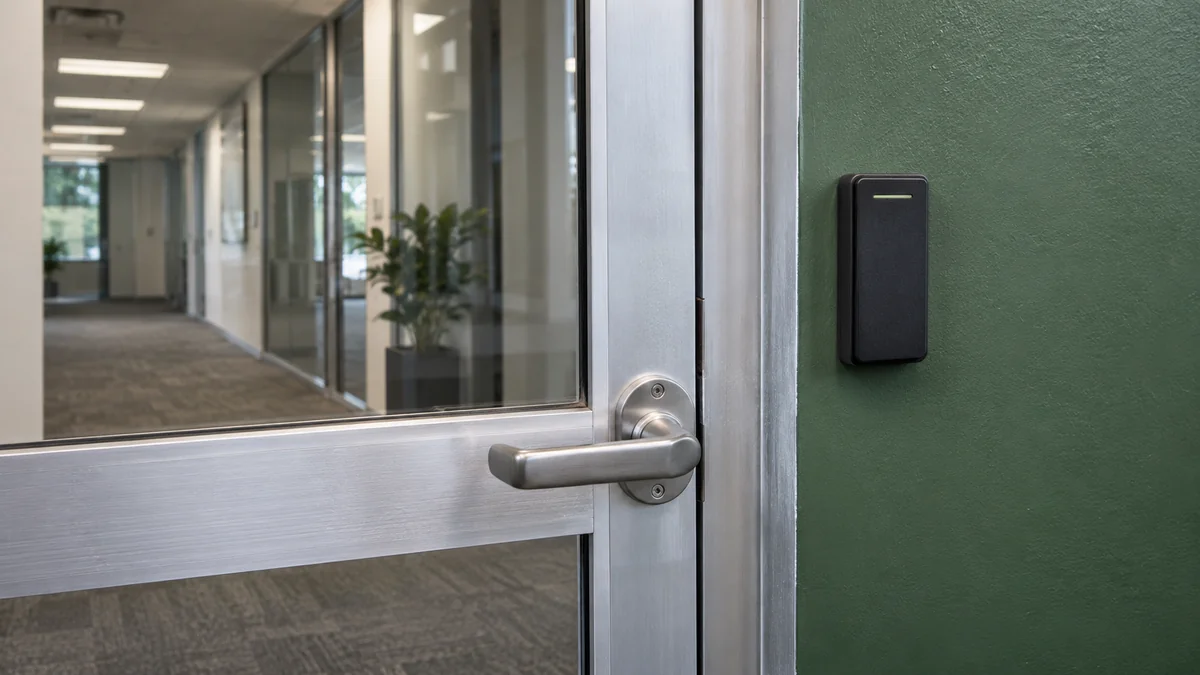
Plan the complete opening, not just the card reader. Existing door hardware, user permissions, everyday administration and safe exit all need to be considered together.
What is commercial door access control?
Electronic access control uses a credential, such as a card, fob or supported phone, to request entry. A reader and control system apply the permissions set for that user. Suitable locking hardware controls the opening. The exact equipment depends on the door and the system design.
For an office or other commercial property, the practical advantage is having a defined process for granting, changing and removing access. Start with the situations that cause difficulty today: shared keys, different working hours, a growing team or a door that needs better control.
Oyster Digital is based in Colorado and offers access control alongside cameras, networks and other security services. A useful first discussion is about the property and its routines, rather than a reader model in isolation.
Choose credentials around the people using them
Cards, fobs and mobile credentials can all suit a business, but the choice needs to reflect how access will be issued and supported. Compatibility matters too: a reader’s appearance does not establish which credentials it supports.
| Credential | Practical consideration | Ask before choosing |
|---|---|---|
| Key card or badge | Can be issued through a documented staff process. | Which card technology is supported, and how are replacements handled? |
| Key fob | A compact credential that may suit regular site users. | How are lost fobs disabled, and who can issue a replacement? |
| Mobile credential | Uses a supported mobile device and compatible access system. | Which devices work, what fees apply and what is the fallback? |
A mixed approach may be appropriate. Discuss visitors, contractors and users who cannot use a phone credential before committing to a platform.
Assess the door before selecting hardware
Make a list of the openings to control. For each, note the door and frame, existing lock or exit hardware, opening direction, normal use and whether work can take place while the business is occupied. These details affect the installation scope.
Ask the installer to explain the proposed reader, controller, power supply, cable route and locking hardware as one system. Confirm how the opening behaves if power or a network connection is lost, and how people leave the building. Have the applicable building, fire and accessibility requirements checked by the appropriate qualified professionals for that property.
If cameras will also cover the entrance, coordinate the view with the door layout. Our commercial security camera planning guide explains how to specify useful entrance footage.
Set permissions and a process for changing them
Write down which users or groups need which doors and schedules. A simple access matrix is useful: one row for each role, with the permitted doors and hours beside it. Avoid giving every user broad access just to make initial setup easier.
Choose named administrators and agree the routine for a new starter, a role change, a contractor’s last day and a lost credential. Record who approves a change and who applies it. Ask for a demonstration of these tasks on the proposed system.
Also decide whether the business needs activity records, who can view them and how long they should be retained. Ask what remains available if an internet connection is interrupted, rather than assuming every feature works the same way offline.
Compare installation costs and ongoing fees
A door count alone is not enough to compare prices. Two single-door projects can involve different hardware, cable routes and building conditions. Request an itemized scope that identifies both installation work and the arrangement after handover.
- Readers, credentials, controllers and the locking hardware for each opening.
- Power supplies, wiring, any required network work and door modifications.
- Software or cloud subscriptions, credential charges and any recurring support fee.
- User setup, administrator training and documentation.
- Responsibility for future hardware faults, software changes and adding doors.
For an existing system, establish who owns the administrative accounts and whether the equipment can be supported. An assessment helps separate what can be retained from what needs replacing.
Prepare a clear brief for your Colorado property
Send a door list, the property location, your current entry arrangement and the changes you want. Explain the normal opening hours and any visitor, delivery or contractor routines that need to be accommodated.
At handover, test a permitted entry, a denied entry, a schedule change and disabling a credential. Confirm the agreed exit and outage behavior with the installer and keep the door labels and documentation together.
Discuss your access control project with Oyster Digital or call 303.765.4508. If the project also involves network changes, the business network and Wi-Fi guide helps you prepare the wider brief.
Common questions
Can access control be added to existing office doors?
Often it can, but suitability depends on the door, frame, existing hardware, wiring and the requirements applying to the opening. Have the complete opening assessed before selecting a reader or lock.
Are mobile credentials better than key cards?
Neither is automatically the best choice. Compare compatibility, user needs, administration, replacement procedures, recurring fees and a fallback for someone without a supported phone.
What happens if an employee loses a card or leaves the business?
The access administrator should have a documented process to disable the credential or remove the user’s permissions. Ask the installer to demonstrate the process and confirm who in your business is responsible.
Further reading
Manufacturer guidance for the technical topics in this article:
Share your property location, existing equipment and what needs to work better.
Contact Oyster Digital